










Whisk AI: Create and Remix AI Images Create AI images from text prompts, remix a reference image
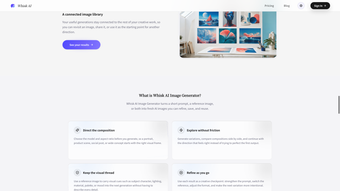
Whisk Image is an online creative platform for generating, remixing, refining, and organizing AI images. We built it for creators, designers, marketers, product teams, and anyone who wants to turn an early visual idea into an image worth developing. Users can begin with a written prompt, upload a reference image, or combine both forms of input in one focused workspace. The main image workspace appears directly on the homepage, making it easy to understand the product and start creating without searching through a complicated collection of tools. A prompt can describe the subject, setting, action, composition, lighting, color, and mood. When words are not enough, a photo, sketch, product shot, or existing composition can communicate the intended direction more quickly. Users may organize references around a subject, scene, and style, helping them decide what the image should feature, where it should take place, and how the result should feel. References guide a new creation instead of guaranteeing an exact copy, leaving room for fresh variations and original combinations. Whisk Image supports text-to-image creation and image-to-image remixing. Before generating, users can select an available image option and choose an aspect ratio suited to the final destination. Portrait formats work well for posters and mobile content, square formats suit profile images, covers, and social posts, while landscape formats fit banners, presentations, and wide visual concepts. Choosing the format early helps the composition match its purpose and reduces unnecessary cropping later. The workspace keeps prompts, uploads, settings, estimated credit use, task status, and results within the same clear flow. After submitting a generation, users can see whether it is waiting, processing, completed, canceled, or unsuccessful. A finished image can be opened, downloaded, shared, or used as the starting point for another creative pass. This continuous workflow matters because useful visual work rarely depends on the first result alone. Users can compare alternatives, select the strongest direction, clarify the prompt, replace a reference, change the format, and generate again. Each result becomes a practical checkpoint for the next decision. Whisk Image is especially useful during early creative planning. Marketing teams can compare campaign directions before committing to production. Product teams can explore display settings, merchandising ideas, and promotional scenes. Designers can develop mood boards, editorial concepts, character studies, and layout references. Content creators can prepare thumbnails, article covers, social graphics, and visual worlds for stories or videos. Individual users can create avatars, wallpapers, event images, gift concepts, and artwork based on personal interests. Professional image-editing experience is not required, although clear input and careful review will improve the process. We provide a personal asset library so useful results remain connected to ongoing work. Signed-in users can return to previous creations, review them after receiving feedback, and continue from a promising direction. Sharing tools also make it easier to send a result to a client, colleague, or friend. This is valuable for projects developed across several sessions, where choosing, rejecting, and revisiting ideas matters as much as producing a single image. Generations use credits, and the estimated cost appears before submission. Subscriptions support recurring work, while one-time packs add extra capacity. References guide new images but do not promise exact copies, so users should review faces, text, products, details, and composition before publishing. Users must have permission to upload
Loading…
App specs
Developer
License
Full
Version
1.0.0
Latest update
Platform
Web Apps
OS
Internet Explorer
Language
English
Available languages
- Spanish
- English
- French
- German
User reviews about Whisk AI Image Maker
Have you tried Whisk AI Image Maker? Be the first to leave your opinion!
Add reviewTop downloads AI Image Generator for Web Apps
Top downloads AI Image Generator for Web Apps
Top downloads AI Image Generator for Web Apps
Related topics about Whisk AI Image Maker
Latest articles
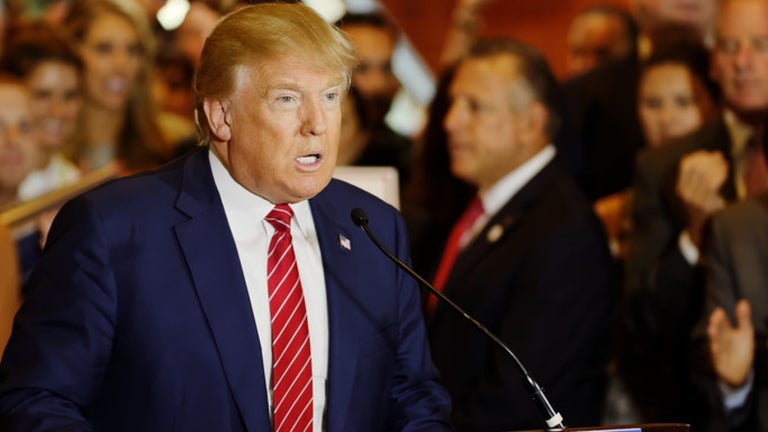
Trump faces new Truth Social lawsuit: $100,000 early access to posts
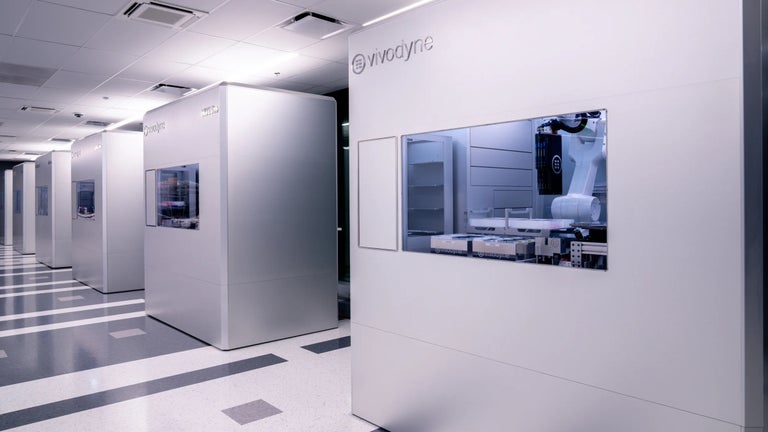
Vivodyne unveils the world’s largest biological datacenter
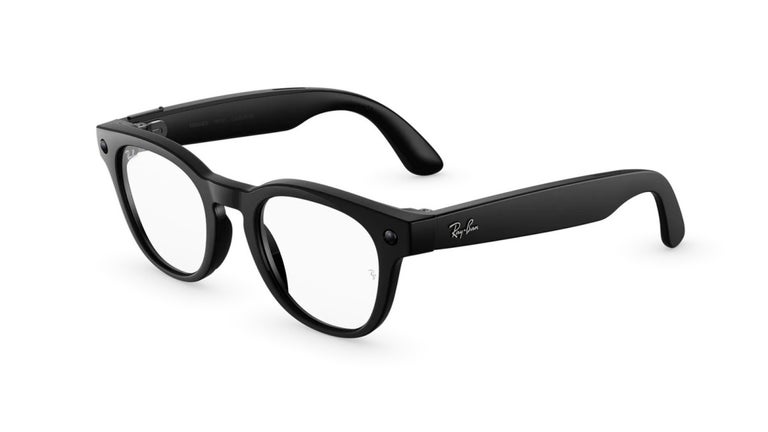
Meta donates 15,000 Ray-Ban Meta smart glasses to Vision Ireland
Star Wars Jedi: Survivor is now on EA Play: you can play it through Game Pass too
Zelda: Tears of the Kingdom won’t get DLC: Nintendo confirms
Laws concerning the use of this software vary from country to country. We do not encourage or condone the use of this program if it is in violation of these laws. Softonic may receive a referral fee if you click or buy any of the products featured here.